

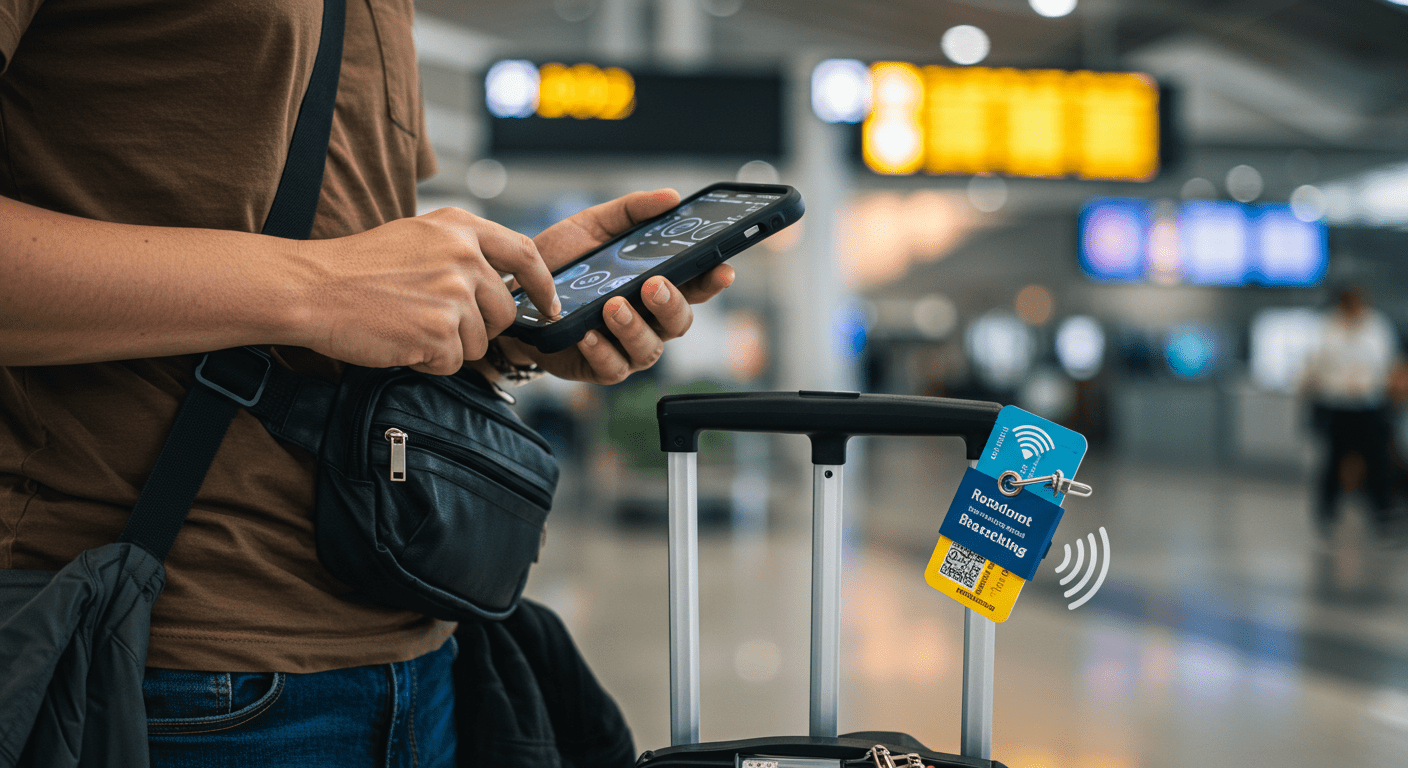
If you’ve ever asked yourself, “how can you protect a mobile device while traveling?”, you’re not alone. Smartphones and tablets are prime targets for theft, cyber threats, and physical damage when you’re on the move. Whether you’re a business traveler, digital nomad, or vacationer, understanding mobile devic e security is critical.
In this guide, we’ll cover practical ways to:
- Protect data on a mobile device from hackers.
- Secure a mobile device (Test Out standards) with industry best practices.
- Learn how to protect your phone from damage during trips.
- Build strong cyber awareness for safe digital travel.
Let’s dive in.
Why Mobile Device Security Matters While Traveling
When you’re at home, your devices are usually connected to trusted networks and safe environments. But traveling changes that. You may connect to public Wi-Fi, charge your phone at airport charging stations, or carry your device through crowded areas, each comes with risks.
Key Risks of Traveling With Mobile Devices
- Cyber threats: Public Wi-Fi exposes your device to hackers.
- Data theft: A stolen phone can mean stolen emails, passwords, and financial info.
- Physical damage: Drops, spills, or extreme weather can ruin a phone.
- Unsecured apps: Downloading apps abroad may compromise security.
This is why practicing cyber awareness and following a mobile security checklist is essential.
1. How Can You Protect a Mobile Device While Traveling?
Here are the top strategies every traveler should follow:
a) Enable Strong Device Security
- Use a PIN, password, or biometric lock (fingerprint or facial recognition).
- Turn on two-factor authentication (2FA) for email, banking, and social apps.
- Enable remote lock and wipe features (Find My iPhone or Find My Device).
b) Protect Data on a Mobile Device
- Encrypt your device storage for maximum protection.
- Back up important files to a secure cloud or external drive.
- Use a VPN when accessing the internet on public Wi-Fi.
c) Carry Smart, Travel-Friendly Gear
- Invest in a shockproof and waterproof case to protect your phone from damage.
- Use screen protectors to guard against scratches and cracks.
- Carry a portable power bank instead of risky public charging stations.
d) Secure a Mobile Device (Test Out Practices)
Test Out and other IT training programs recommend best practices such as:
- Disable Bluetooth when not in use.
- Turn off location sharing unless absolutely necessary.
- Keep operating systems and apps updated to patch vulnerabilities.
- Use only official app stores for downloads.
2. How to Protect Your Phone From Damage
Cybersecurity isn’t the only concern, physical safety matters too. Nothing ruins a trip like a shattered phone.
- Invest in a rugged case: Brands like Otter Box or Spigen provide military-grade protection.
- Waterproof bags: Ideal for beach trips, cruises, or rainy destinations.
- Avoid extreme heat or cold: Phones can overheat in direct sunlight or fail in freezing weather.
- Keep your phone in a secure pocket or crossbody bag to avoid drops and theft.
3. Cyber Awareness While Traveling
Cyber awareness means knowing the risks and adjusting your habits.
Quick Cyber Awareness Tips:
- Don’t auto-connect to Wi-Fi—always verify the network name.
- Turn off auto-sync of sensitive accounts when traveling.
- Avoid logging into bank accounts on public devices.
- Regularly check your accounts for suspicious activity.
By practicing cyber awareness, you reduce the risk of cybercrime during your journey.
4. How to Secure a Mobile Device: Step-by-Step Checklist
Here’s a travel-friendly mobile security checklist you can follow before and during your trip:
- Before You Travel
- Back up your phone to the cloud.
- Update your OS and apps.
- Install a reliable antivirus or mobile security app.
- Set up Find My Device tracking.
- During Travel
- Use a VPN on public Wi-Fi.
- Carry a portable charger.
- Keep your device in a safe, hidden location.
- Avoid using public charging stations (“juice jacking” risks).
- In Case of Theft or Loss
- Immediately use remote lock/wipe.
- Change passwords for email and financial apps.
- Report the theft to local authorities and your carrier.
5. Real-World Examples of Mobile Device Risks
- Case Study 1: Airport Wi-Fi Hack
A traveler connected to a fake airport Wi-Fi. Hackers intercepted login details, leading to unauthorized bank withdrawals. Lesson: always use a VPN. - Case Study 2: Hotel Theft
A business traveler left a phone unattended in a hotel room. The device was stolen, exposing sensitive company emails. Lesson: use hotel safes and lock devices.
FAQs About Mobile Device Security While Traveling
Q1: How can you protect a mobile device while traveling?
- Use strong passwords, enable encryption, avoid public charging stations, and use a VPN.
Q2: How to protect your phone from damage on a trip?
- Get a rugged case, waterproof protection, and avoid extreme weather.
Q3: How to protect data on a mobile device abroad?
- Encrypt storage, back up files, and enable remote wipe features.
Q4: What is “secure a mobile device Test Out”?
- It refers to industry training standards teaching best practices for securing mobile devices against cyber and physical threats.
Conclusion
Traveling with your smartphone or tablet doesn’t have to be risky. By combining cyber awareness, device security best practices, and protective gear, you can protect data on a mobile device, avoid theft, and prevent physical damage.
Next time you ask yourself, “how can you protect a mobile device while traveling?” follow this checklist, stay alert, and travel smarter.
Pro Tip: Secure your device before you leave home, it’s easier to prevent problems than to fix them later.
